


Why monitor AC power on a boat?
AC power is increasingly common on boats, even smaller boats, allowing owners to run domestic appliances and consumer electronics such as TVs, air conditioning and other AC-powered equipment. Monitoring this AC power can provide useful information about the boat’s electrical load and shore-power consumption.
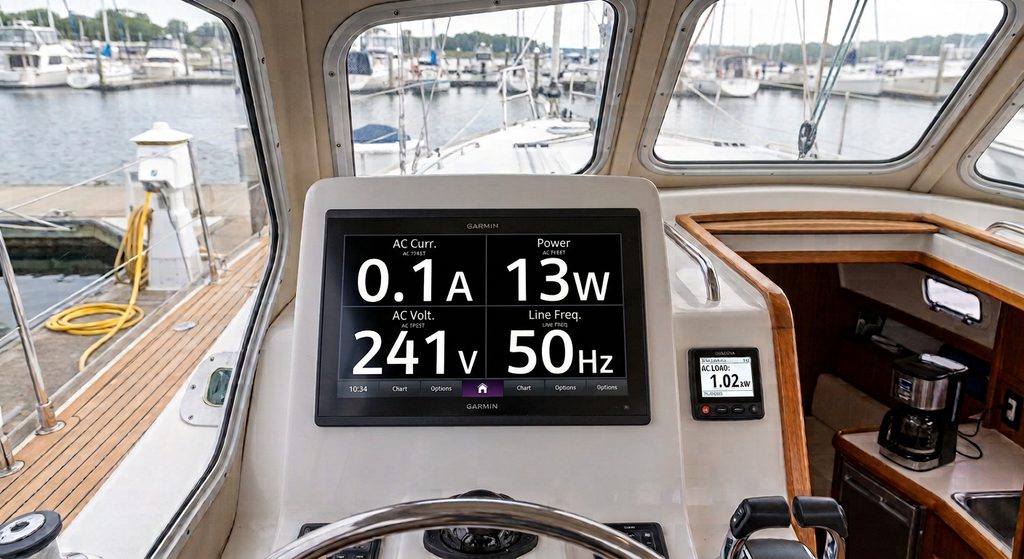
Most smaller boats don’t have the space for a dedicated AC generator, so they typically rely on shore power when in the marina and may use an inverter to convert the boat’s 12/24V DC battery supply to 110/220V AC when underway. Shore power, of course, also allows a battery charger to be utilised to recharge batteries and “float” DC loads when in port.
How does AC power monitoring work with NMEA 2000?
Most multi function displays (MFDs) and NMEA 2000 instruments have a display option for AC voltage and current monitoring – and also for DC battery monitoring. There are standardised NMEA 2000 PGNs for DC & AC information.
The normal method for AC monitoring uses current transformers and a suitable interface and indeed, Digital Yacht will be supporting this with our new AllSense product arriving soon. But for smaller boats with maybe just a simple inverter or shore-power arrangement this is complex to install and expensive.
A simple boat AC power monitoring solution
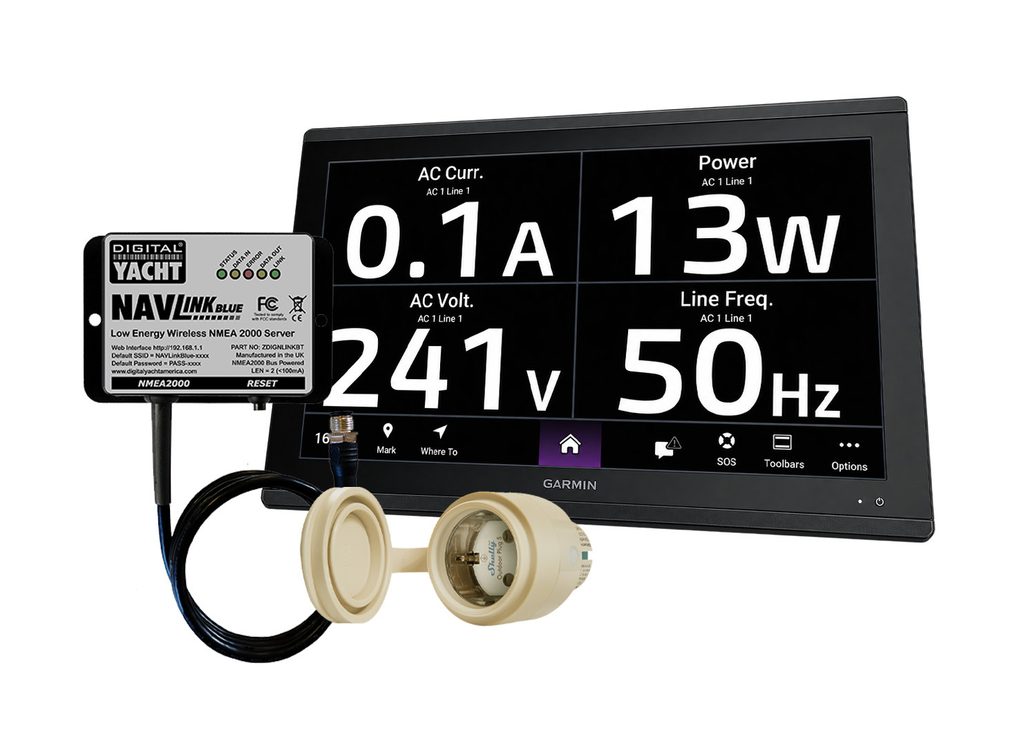
At Digital Yacht we love solutions! We’ve put together this solution with Shelly who manufacture smart switches for domestic and residential applications. The Outdoor plug S encapsulates all the control and switching circuitry into an AC plug fitting and provides some limited environmental protection.
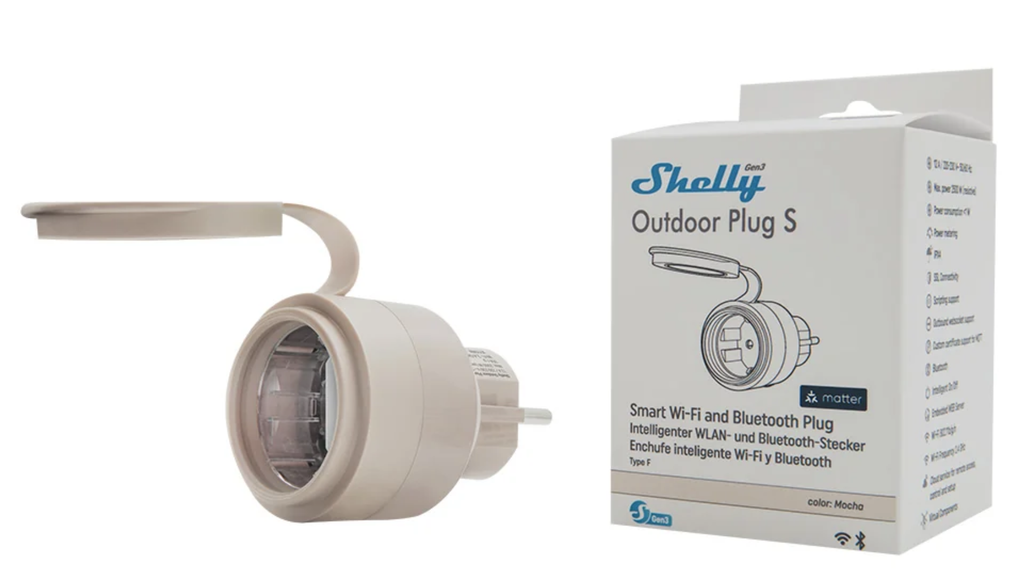
The Shelly Outdoor Plug S is not a marine-grade device and should therefore be installed in a suitable, protected location in accordance with its environmental and electrical specifications. The key feature is it has a wireless interface and our NavLINK Blue supports this connection to grab AC voltage and current information (and therefore power) plus frequency information too.
NavLINK Blue then does the NMEA 2000 translations so you have AC information on your NMEA 2000 bus. Because the connection between the AC monitoring device and NAVLink Blue is wireless, there is no need to route AC wiring into the low-voltage NMEA 2000 installation.
How to install the system
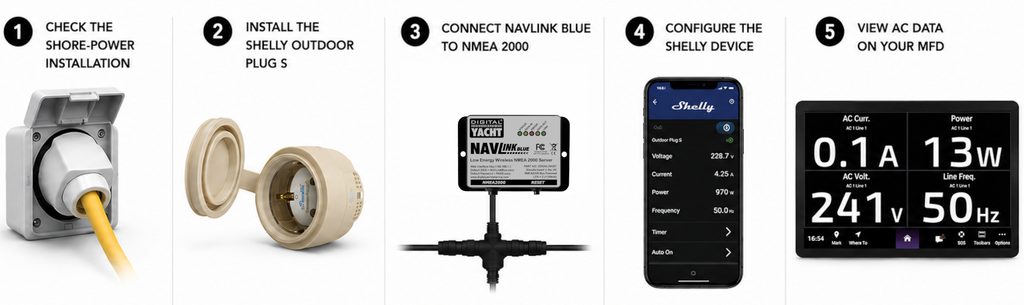
1. Check the boat’s shore-power installation
Make sure you have a good AC shore power connection with suitable dock cable, boat connector and AC distribution unit. The distribution unit would normally incorporate a RCD protection device and suitable circuit breakers for the individual AC circuits on board.
A typical shore-power connection has a maximum current of 16A (sometimes 32A for larger boats but here you’ll probably have a more sophisticated solution already installed)
2. Install the Shelly Outdoor Plug S
The Shelly plug monitor can only control and monitor up to 12A at 220v AC – that’s about 2.5KW. You could choose to monitor individual circuits (our NavLINK Blue can support multiple connections and instances so you can view each circuit on the MFD) or it may be that your total demand is less than this anyway in which case install the Shelly device between your shore power connection and the distribution box.
The Shelly devices are regionalised so can be ordered with EU or UK style connections. AC voltages are dangerous so get a professional involved if necessary
3. Connect NAVLink Blue to the NMEA 2000 network
Fit NavLINK Blue to the NMEA 2000 backbone – it’s self powered from the network so fits in seconds.
4. Configure the Shelly device
Follow the Shelly instructions to set up your new switch and monitor. You’ll need to enable BlueTooth and we also recommend enabling the setting which boots the device to an “ON” mode so that if power is lost, when reconnected it automatically turns on.
5. Display AC power data on your MFD
NavLINK Blue will find the Shelly device and start outputting NMEA 2000 PGNs – and your boat system is updated with AC monitoring.
What AC information can you display on an MFD?
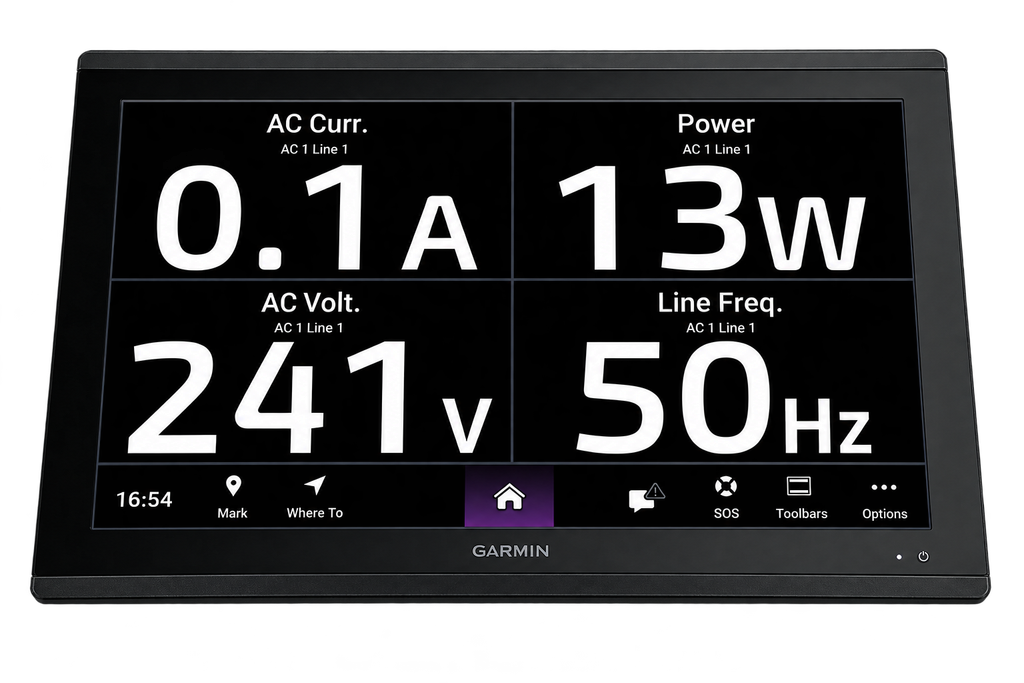
Once NAVLink Blue is connected to the NMEA 2000 network and paired with the Shelly Outdoor Plug S, the AC electrical data can be made available on a compatible multifunction display (MFD).
Depending on the MFD and its NMEA 2000 support, you can view key information such as AC voltage, current, power consumption and frequency. This gives you a clear overview of the electrical load on board, whether you are connected to shore power or monitoring an individual AC circuit, and allows important power information to be viewed alongside other vessel data directly from the helm.
Affordable and easy boat AC monitoring from Digital Yacht.
